CNC routing is a critical technology in modern manufacturing, providing the precision and control necessary to produce components consistently and efficiently. It is especially valuable for operations requiring tight tolerances, repeatable cuts, and high-quality finishes, all of which directly impact yield, equipment uptime, and cost per unit.
Even advanced CNC routers can underperform if operators do not understand how they function. Incorrect programming, poor machine setup, or improper tool handling can increase scrap, cause workflow interruptions, and reduce overall productivity.
This guide explains what CNC routing is, how it works, and how operations can leverage it to improve consistency, efficiency, and reliability across production workflows.
Key Takeaways
CNC routing delivers precise, repeatable results, reducing scrap and improving overall yield.
Automated CNC processes limit manual labor, improve throughput, and maintain consistent lead times.
Proper design integration, machine setup, and tooling management are essential for reliable performance.
Selecting the right CNC router type supports both prototypes and high-volume production efficiently.
CNC routing is versatile across industries including woodworking, signage, automotive, aerospace, and architectural applications.
What is CNC Routing and How It Support Accurate Manufacturing
CNC routing is a computer-controlled process that shapes, carves, or engraves materials based on pre-programmed designs. By guiding cutting tools across multiple axes automatically, CNC routing ensures consistent, precise results while minimizing mistakes.
Operations leaders who use CNC routing effectively can:
Deliver consistent, high-quality parts because the automated system follows exact design specifications for every piece.
Reduce scrap and rework since precise material removal prevents errors and avoids wasted resources.
Increase throughput by automating repetitive tasks, which reduces the need for manual intervention.
Scale production efficiently from small prototypes to full manufacturing runs without compromising accuracy or quality.
How CNC Routing Compares to Other Manufacturing Methods?
Before integrating CNC routing, it helps to understand how it differs from manual or semi-automated processes.
Tool Type | Difference | Operational Impact |
Manual Routing | Operator-controlled, variable results | Higher scrap, slower throughput, increased labor dependency |
Semi-Automated Routers | Limited automation, partially programmed | Moderate precision, requires close supervision |
CNC Routing | Fully automated, computer-controlled | Consistent output, reduced errors, faster production, and lower labor reliance |
CNC routing’s automated precision helps maintain equipment uptime and predictable production schedules, giving it a clear advantage in industrial operations.
Reaching consistent quality isn’t just about running a CNC program. Cutting Edge Plasma helps keep production steady by equipping teams with CNC systems built for reliability and controlled performance.
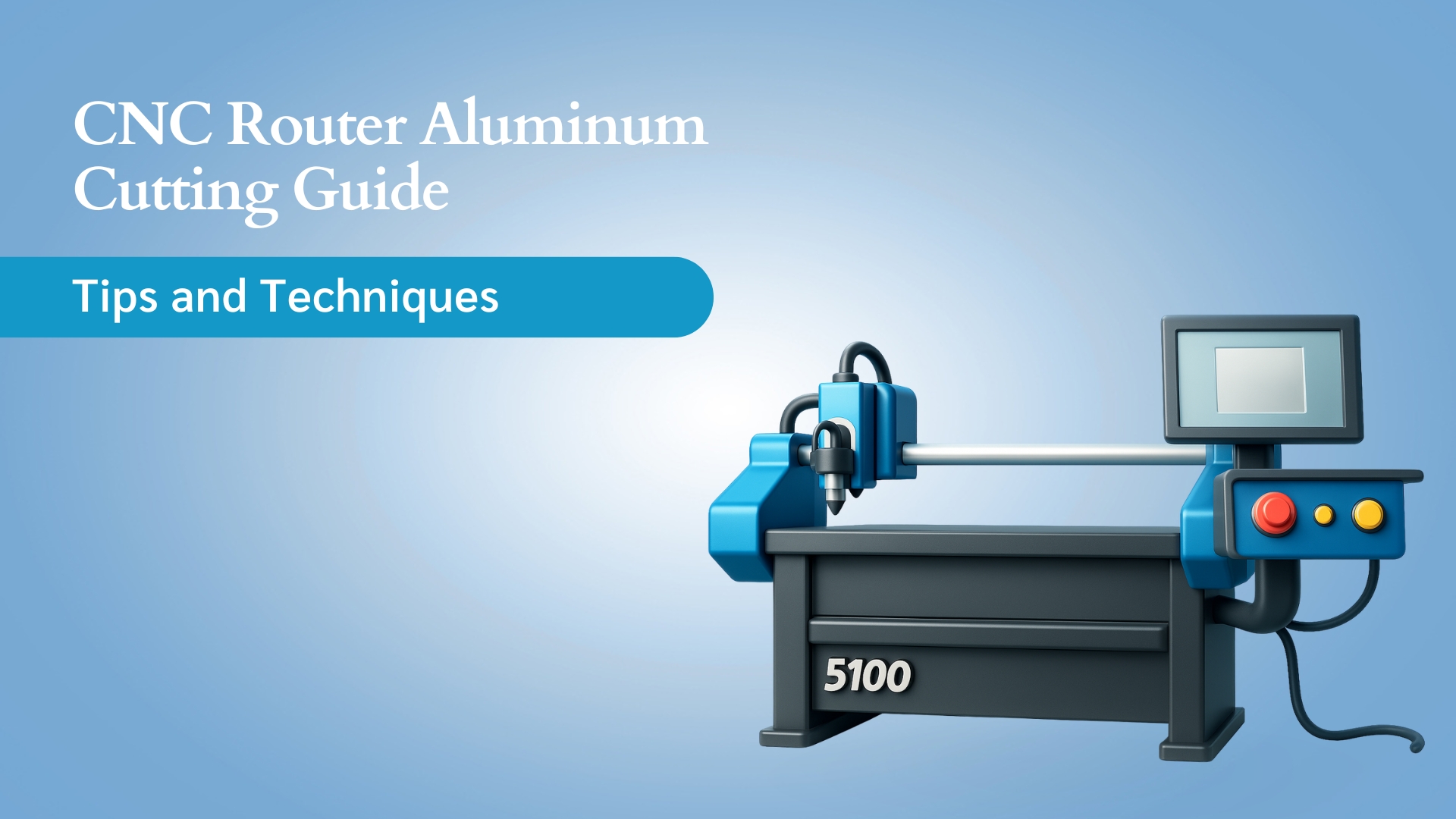
Models like the Lockwood PRO 5100 CNC Router, Lockwood PRO 4800 CNC Router, and Lockwood PRO 4400 CNC Router maintain cutting accuracy, prevent tool drift, and support long jobs without slowdown. Their motion stability and smart feed control keep every part aligned to spec, run after run.
The outcome is uniform quality, smooth turnaround, and uninterrupted production, giving operations the confidence to meet deadlines and scale output without variation.
Essential Components That Make CNC Routing Accurate
CNC routing depends on more than just the machine itself; its performance comes from the way each part works together. By understanding the main elements of a CNC router, you can ensure smooth operation, precise cuts, and reliable output.
These components directly influence efficiency, reduce errors, and support consistent results across every job.
Component | Function | KPI Impact |
Cutting Bed | Provides stable material support | Minimizes vibration, improves part accuracy |
Spindle | Rotating cutting tool | Ensures precision and repeatable cuts |
Drive System | Moves the spindle across X, Y, Z axes | Enhances motion accuracy, reduces scrap |
Controller | Executes G-code instructions | Automates processes, lowers setup errors |
These components work together to translate digital designs into physical parts efficiently and reliably.
4 Types of CNC Routers: Choosing the Right Machine for Your Operations
Selecting the appropriate CNC router is critical for maximizing production efficiency, minimizing scrap, and achieving consistent part quality.
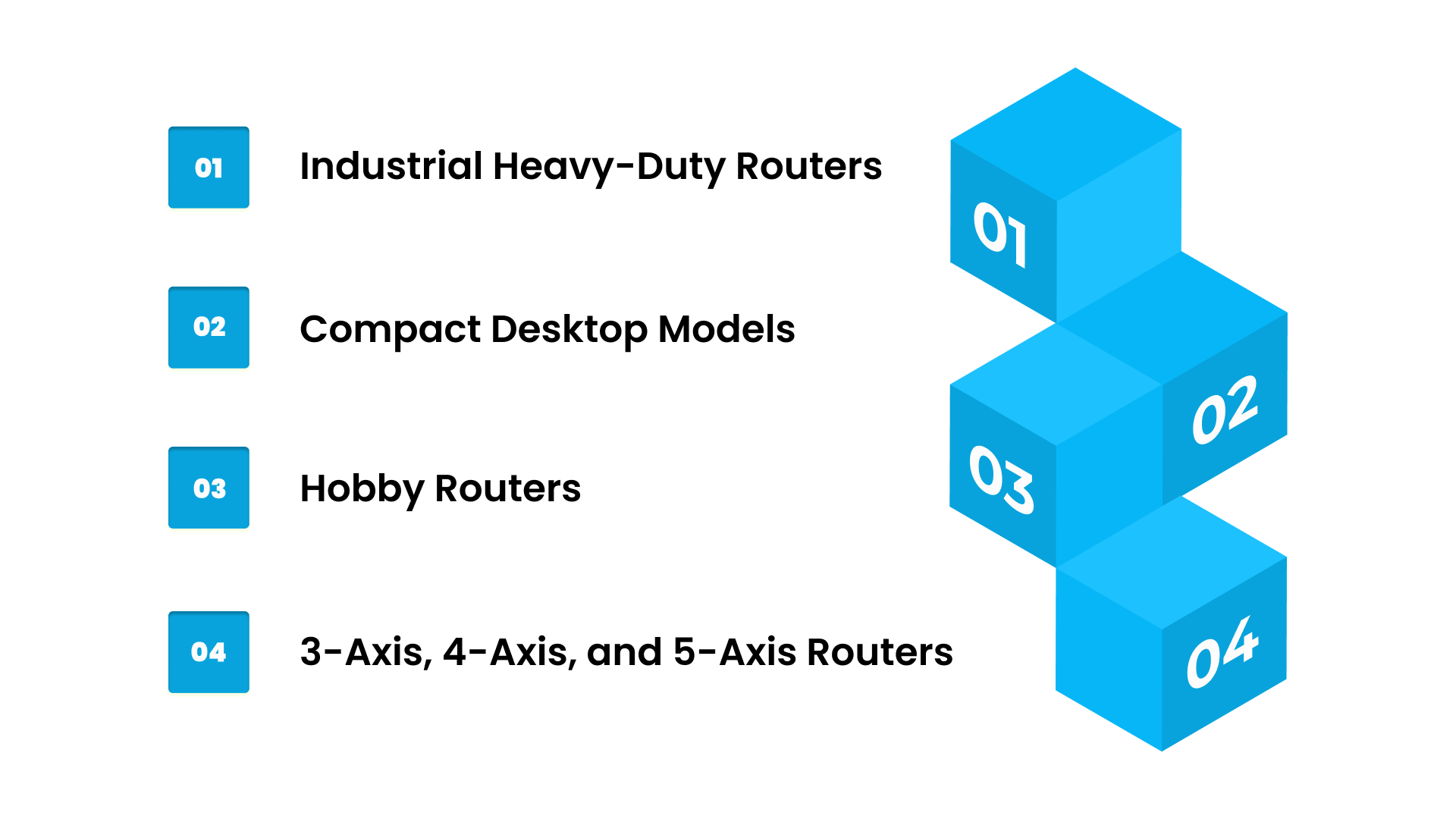
The choice depends on production volume, material type, part complexity, and workflow requirements. Here’s a closer look at the main types:
1. Industrial Heavy-Duty Routers
These routers are built for high-volume production and continuous operation. They can handle large sheets or complex components with minimal manual intervention.
Their robust construction and advanced motion systems support tight tolerances and repeatable cuts, which directly impact throughput, yield, and overall operational efficiency.
Operational Benefits:
Industrial routers support large-scale manufacturing without frequent downtime. They can manage complex geometries using multiple axes, reducing the need for additional setups. These routers also improve first-pass yield and help minimize material scrap.
2. Compact Desktop Models
Compact routers are designed for smaller projects, prototyping, and low-volume production. They are easier to program, set up, and maintain, making them ideal for engineering labs, small workshops, or pilot runs.
While their throughput is lower than industrial models, they provide precise results for moderate workloads.
Operational Benefits:
Compact routers allow faster setup for small jobs and prototypes. They reduce resource requirements while maintaining precision and are particularly useful for testing designs before scaling to full production.
3. Hobby Routers
Hobby-grade CNC routers are best suited for DIY projects, educational environments, or low-volume creative work. While less robust than industrial machines, they allow operators to gain experience with CNC processes and experiment with various materials and designs.
Operational Benefits:
Hobby routers require a low initial investment and minimal floor space. They are useful for skill-building and concept validation, allowing experimentation without affecting high-volume production schedules.
4. 3-Axis, 4-Axis, and 5-Axis Routers
The number of axes determines the complexity of parts that can be produced:
3-Axis: Basic X, Y, Z movement; suitable for simple profiles, flat cutting, and shallow engravings.
4-Axis: Adds rotational movement; enables angled cuts and cylindrical parts.
5-Axis: Adds simultaneous rotation on multiple axes; ideal for intricate geometries and multi-dimensional components.
Operational Benefits:
Using multi-axis routers helps reduce the number of setups required for complex parts, enhances precision for multi-dimensional designs, and improves throughput and efficiency in high-complexity manufacturing applications.
Strategic Takeaway:
Matching the CNC router type to production goals ensures you maintain consistent quality, optimize machine utilization, minimize labor costs, and reduce scrap.
Choosing the right router upfront allows operations leaders to scale efficiently, and working with Cutting Edge Plasma ensures your setup delivers predictable lead times and high first-pass yields.
How CNC Routing Turns Designs into Parts?
CNC routing takes a digital idea and turns it into a finished part through a clear, step-by-step workflow. Each stage builds on the previous one, helping teams maintain accuracy, reduce scrap, and keep production steady.
Here’s how the entire process comes together from design to final output:
Design Creation: The process begins in CAD software, where the exact shape, size, and details are created. A strong design gives the router a clear blueprint to follow.
G-Code Generation: The CAD design is then converted into G-code using CAM software. This code tells the machine how to move, what path to follow, and how the cut should happen.
Material Selection and Preparation: The right material is chosen and prepared for machining. Proper preparation helps avoid defects, supports smoother cutting, and reduces wasted material.
Machine Setup: Operators set up tools, fixtures, and machine calibration. This setup ensures the router can cut accurately and repeat the same result across batches.
Automated Execution: The machine follows the programmed instructions and performs cutting, carving, drilling, or engraving automatically. Automation keeps consistency high and reduces manual errors.
Post-Processing: After machining, parts are cleaned, checked, or assembled as needed. This final stage ensures each part meets quality expectations.
CNC Routing Operations: Precision in Action
Before moving into material options, it helps to understand the key tasks a CNC router performs on the shop floor. These operations show how each part is shaped with accuracy and steady results.
Engraving adds detailed markings, text, or decorative elements used in signage and branding.
Profiling creates clean outlines and edges that match the exact design shape.
Pocketing removes material to form recesses or grooves needed for joints or fittings.
Drilling produces accurate holes for fasteners, alignment, and assembly.
3D Carving shapes curved or sculpted surfaces without requiring multiple setups.
These operations help improve first-pass accuracy, reduce rework, and maintain predictable production flow.
What Materials Work Best for CNC Routing?
Once the core operations are clear, it becomes easier to match the right materials to the right applications. CNC routers handle several types of materials, allowing teams to stay flexible across different projects.
Here’s how each group supports various applications:
Wood, plastics, and composites are used for cabinetry, furniture parts, signage, décor elements, and structural panels.
Non-ferrous metals such as aluminum and brass support aerospace components, automotive prototypes, and precision industrial parts.
Foam and modeling materials are commonly used for molds, prototypes, mock-ups, and sample designs.
This material flexibility helps manufacturers simplify workflows, handle varied product lines, and maintain consistent quality across batches.
Applications of CNC Routing: Driving Precision and Efficiency Across Industries
CNC routing plays a key role across several sectors because it helps you produce accurate, repeatable parts with fewer errors and a more stable workflow. With automated cutting, you reduce scrap, maintain consistent part quality, and keep production moving without interruptions.
To understand where CNC routing delivers the most value, here’s how different industries use it:
1. Woodworking & Cabinetry
CNC routers help create panels, furniture parts, doors, and detailed wooden components. Automated cutting keeps every piece consistent, reduces material waste, and supports reliable production even in large batches.
2. Signage & Engraving
Whether it’s logos, plaques, or detailed patterns, CNC routing delivers clean and repeatable results. This helps reduce rework, maintain branding accuracy, and speed up delivery times for both small and large orders.
3. Aerospace & Automotive Prototyping
CNC routers can handle complex shapes needed for prototype parts. This allows manufacturers to test designs faster, maintain tight accuracy, and avoid costly errors during early development.
4. Architectural & Decorative Projects
From decorative panels to moldings and interior elements, CNC routing helps produce intricate designs consistently. Automation reduces setup time and makes it easier to work with complex shapes.
Across these applications, CNC routing translates into measurable operational benefits: lower scrap rates, more predictable throughput, consistent part quality, and optimized labor utilization.
By matching the right router type and workflow to each use case, manufacturers can maximize efficiency and profitability.
Achieve Consistent Precision with Cutting Edge Plasma CNC Routers
When you work with Cutting Edge Plasma, you remove the uncertainty from CNC routing. Our systems are built for accuracy, repeatability, and operational safety, helping your team produce consistent, high-quality parts without interruptions.
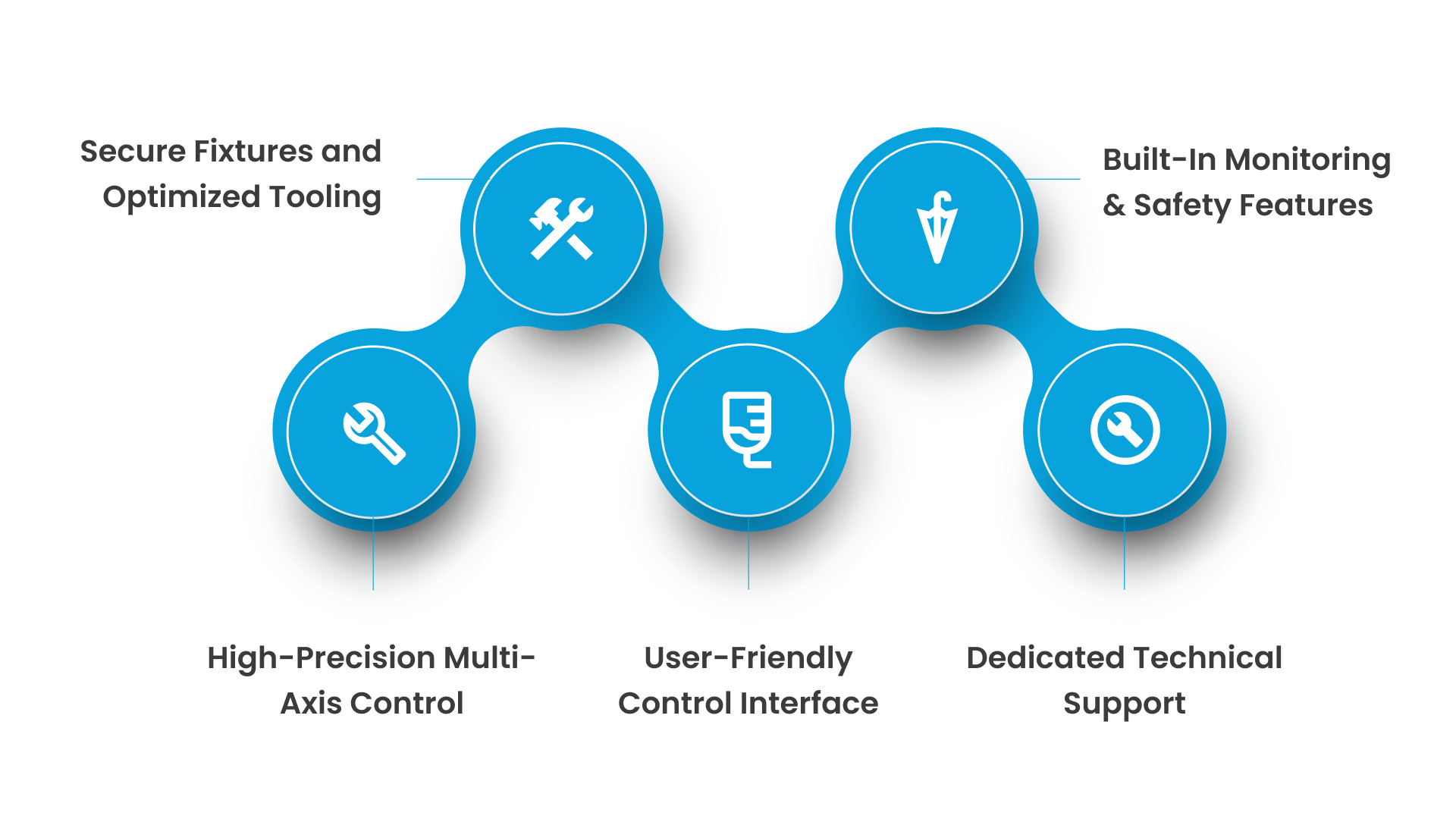
Here’s how our CNC routers strengthen routing workflows and improve operational outcomes:
1. Adjustable Depth Control
Our depth control system lets you set cutting depth with accuracy, ensuring clean passes, stable cut quality, and predictable material removal. Whether you’re routing wood, composites, plastics, or non-ferrous metals, precise depth adjustment helps you maintain consistent results without repeated recalibration.
2. Edge Guides and Fences
Our rigid guides and fences keep material stable during routing, preventing drift or misalignment. This stability supports straight edges, accurate contours, and reliable repeatability, critical for production environments where every part must meet the same specifications.
3. Intuitive Router Control Interface
With our operator-friendly control interface, you can modify feed rates, tool paths, and spindle parameters quickly. Clear controls reduce programming mistakes, keep workflows smooth, and support consistent output across complex or high-volume routing tasks.
4. Dust Extraction System
Our integrated dust and debris management system helps maintain a clean working environment. Better visibility, reduced airborne particles, and improved machine hygiene all contribute to safer operations and more consistent surface finish during routing.
5. Lifetime Tech Support and Warranty
We offer ongoing technical guidance to help you operate your CNC router safely, efficiently, and confidently. Our warranty covers essential components, giving you long-term peace of mind throughout daily production cycles.
Choosing Cutting Edge Plasma means working with CNC routers that support smooth, safe, and accurate production.
With advanced motion control, stable tooling, user-friendly software, integrated monitoring, and reliable technical support, we make it easier for you to achieve consistent, professional-grade results, day after day.
Conclusion
Using a CNC router correctly helps maintain consistent part quality, reduce scrap, and keep production running efficiently. By understanding the material, choosing the right machine, and programming the router carefully, you minimize errors, improve throughput, and extend the life of your equipment.
With Cutting Edge Plasma, these routines become easier to manage. Features like precise multi-axis control, stable fixturing, and intuitive interfaces make achieving clean, accurate, and repeatable cuts simpler and more reliable.
Take your manufacturing operations to the next level by ensuring safe, precise, and efficient CNC routing. Contact Cutting Edge Plasma today to explore systems, tips, and expert guidance for optimizing your CNC operations.
FAQs
1. What’s the safest way to operate a CNC router?
Always wear protective gear, secure the material firmly, and ensure proper tool setup and speed settings. Following these safety measures while operating a CNC router helps prevent accidents, reduces material waste, and ensures consistent, accurate cuts.
2. Which type of CNC router is best for beginners or small-scale operations?
Compact desktop CNC routers or 3-axis models are ideal for starting out. These machines are easier to program, control, and maintain, allowing operators to practice safe and precise CNC routing before scaling to larger or more complex machines.
3. How do I know when to replace CNC router bits?
Router bits should be replaced when they become dull, chipped, or worn. Regular replacement ensures clean cuts, maintains dimensional accuracy, and reduces the risk of material damage or machine strain during CNC routing.
4. Can CNC routing handle intricate or detailed designs?
Yes. Multi-axis CNC routers and smaller bits allow for detailed profiling, engraving, and 3D carving. Proper programming, tool selection, and setup ensure precise, repeatable results even on complex geometries.
5. What techniques help prevent tear-out and material damage in CNC routing?
Use sharp bits, multiple shallow passes, proper feed rates, and ensure the material is supported throughout the cut. Applying these techniques while CNC routing improves surface finish, reduces scrap, and supports predictable, high-quality production outcomes.